



 Singapore Private RDP
 Finland Private RDP
 UK Private RDP





































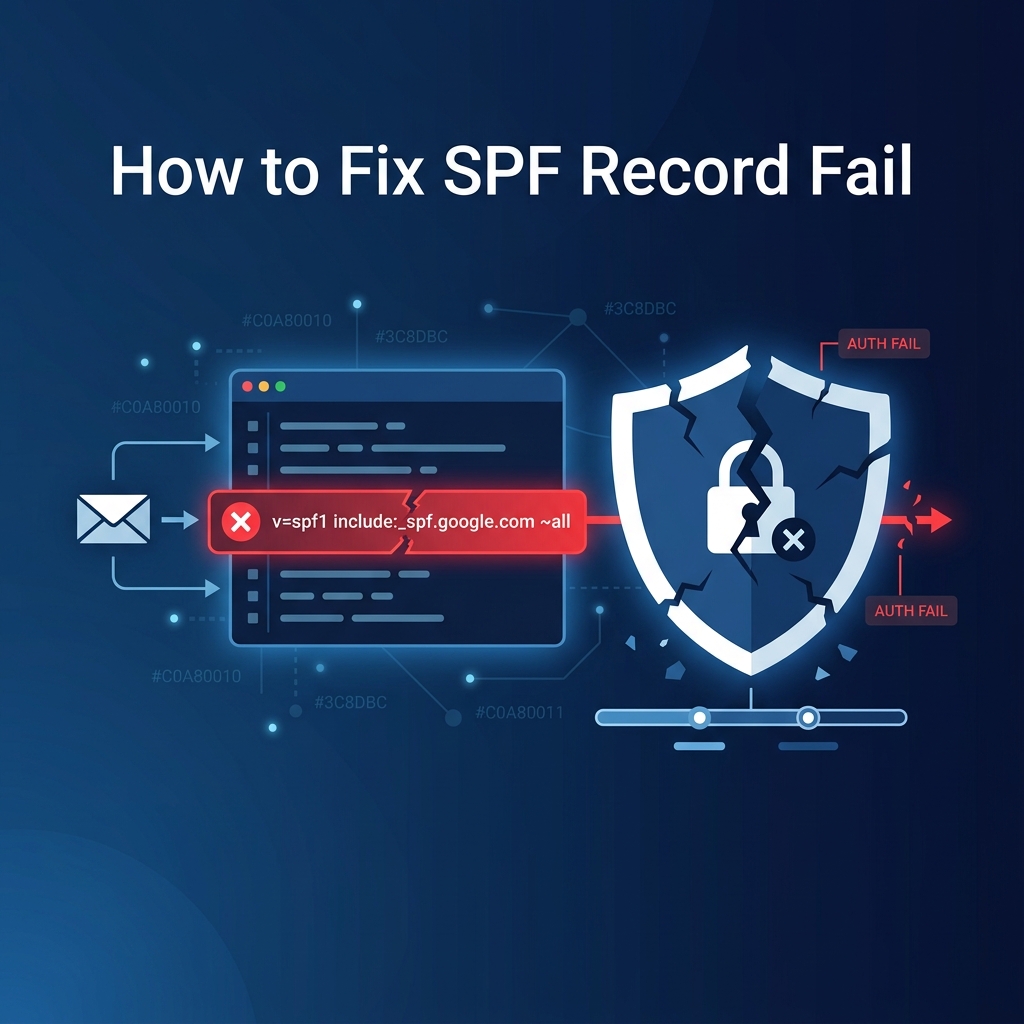
SPF (Sender Policy Framework) is a DNS record that tells receiving mail servers which IP addresses are authorized to send email on behalf of your domain. When SPF fails, your emails get rejected, bounced, or sent to spam with errors like "SPF check failed" or "550 SPF validation failed."
This guide covers every common SPF failure scenario and how to fix each one.
Quick Fix Checklist
- ✅ Check your SPF record:
dig TXT yourdomain.com +short | grep spf - ✅ Verify it starts with
v=spf1 - ✅ Include your server IP or mail provider
- ✅ Ensure you have only ONE SPF record
- ✅ Keep DNS lookups under 10
- ✅ End with
~all(softfail) or-all(hardfail) - ✅ Validate with MXToolbox SPF checker
Understanding SPF Syntax
# Basic SPF record structure:
v=spf1 [mechanisms] [qualifier]all

# Example:
v=spf1 ip4:203.0.113.10 include:_spf.google.com ~all

# Breakdown:
# v=spf1           → Version (required, must be first)
# ip4:203.0.113.10 → Allow this IP to send
# include:...      → Also allow servers in this SPF record
# ~all             → Softfail all other senders
SPF Mechanisms
| Mechanism | Example | Meaning |
|---|---|---|
ip4 | ip4:203.0.113.0/24 | Allow this IPv4 address or range |
ip6 | ip6:2001:db8::/32 | Allow this IPv6 address or range |
include | include:_spf.google.com | Include another domain's SPF |
a | a or a:mail.example.com | Allow IPs from A record |
mx | mx | Allow IPs from MX records |
SPF Qualifiers
| Qualifier | Result | Meaning |
|---|---|---|
-all | Hardfail | Reject if not authorized (strictest) |
~all | Softfail | Accept but mark as suspicious (recommended) |
?all | Neutral | No opinion (same as no SPF) |
+all | Pass | Allow everything (NEVER use this!) |
Common SPF Failure Causes
1. No SPF Record
# Check if SPF exists
dig TXT yourdomain.com +short | grep "v=spf1"

# Empty result = NO SPF record
# Fix: Add a TXT record with SPF value

# Minimal SPF for VPS with one IP:
v=spf1 ip4:YOUR_SERVER_IP ~all
2. Multiple SPF Records
# WRONG — only ONE SPF TXT record allowed per domain!
dig TXT yourdomain.com +short
"v=spf1 include:_spf.google.com ~all"
"v=spf1 ip4:203.0.113.10 ~all"

# Two SPF records = SPF PermError!

# FIX: Merge into ONE record:
v=spf1 ip4:203.0.113.10 include:_spf.google.com ~all
3. Too Many DNS Lookups (10 Lookup Limit)
SPF has a strict limit of 10 DNS lookups. Each include, a, mx, and redirect counts as one lookup. Nested includes count too!
# Check your lookup count:
# Use: https://www.kitterman.com/spf/validate.html
# Or: https://mxtoolbox.com/spf.aspx

# Each of these uses 1 lookup:
include:_spf.google.com        ← 1 lookup (+ nested includes inside)
include:spf.protection.outlook.com ← 1 lookup
a:mail.example.com             ← 1 lookup
mx                             ← 1 lookup

# These do NOT use lookups:
ip4:203.0.113.10               ← 0 lookups
ip4:203.0.113.0/24             ← 0 lookups
ip6:2001:db8::1                ← 0 lookups

# FIX: Replace includes with ip4 where possible:
# Before (too many lookups):
v=spf1 include:a include:b include:c include:d ... ~all

# After (use ip4 for static servers):
v=spf1 ip4:1.2.3.4 ip4:5.6.7.8 include:_spf.google.com ~all
4. Sending IP Not in SPF
# Your server sends from IP 203.0.113.10, but SPF only allows .20:
v=spf1 ip4:203.0.113.20 ~all  ← .10 not included!

# Find your sending IP:
# Check email headers → look for "Received: from [IP]"
# Or on the server:
curl -4 ifconfig.me

# Fix: Add the correct IP
v=spf1 ip4:203.0.113.10 ip4:203.0.113.20 ~all
5. Syntax Errors
# Common syntax mistakes:

# ❌ Missing v=spf1:
"ip4:1.2.3.4 ~all"

# ❌ Extra spaces:
"v=spf1  ip4:1.2.3.4  ~all"

# ❌ Using 'all' without qualifier:
"v=spf1 ip4:1.2.3.4 all"  ← Missing ~ or - before all

# ❌ Using redirect AND all:
"v=spf1 redirect=other.com ~all"  ← Can't have both

# ✅ Correct:
"v=spf1 ip4:1.2.3.4 ~all"
Step-by-Step Fix
Step 1: Audit Current SPF
# Get your current SPF record
dig TXT yourdomain.com +short | grep "v=spf1"

# Count your DNS lookups online:
# https://mxtoolbox.com/spf.aspx
# Enter your domain and check "Lookup Count"
Step 2: Identify All Sending Sources
List every service that sends email as your domain:
- Your server: VPS IP address
- Google Workspace:
include:_spf.google.com - Microsoft 365:
include:spf.protection.outlook.com - Mailchimp:
include:servers.mcsv.net - SendGrid:
include:sendgrid.net - Zoho:
include:zoho.com
Step 3: Build Your SPF Record
# Template for common setups:

# VPS only:
v=spf1 ip4:YOUR_IP mx ~all

# VPS + Google Workspace:
v=spf1 ip4:YOUR_IP include:_spf.google.com ~all

# VPS + Microsoft 365 + Mailchimp:
v=spf1 ip4:YOUR_IP include:spf.protection.outlook.com include:servers.mcsv.net ~all

# cPanel server (auto-generated):
v=spf1 +a +mx ip4:YOUR_IP ~all
Step 4: Add/Update DNS Record
# In your DNS panel:
# Type: TXT
# Name: @ (or yourdomain.com)
# Value: v=spf1 ip4:YOUR_IP include:_spf.google.com ~all
# TTL: 3600

# IMPORTANT: Delete any old SPF records first!
# Only ONE SPF TXT record per domain
Step 5: Validate
# 1. Check the record resolves correctly
dig TXT yourdomain.com +short | grep "v=spf1"

# 2. Online validators:
# https://mxtoolbox.com/spf.aspx
# https://www.kitterman.com/spf/validate.html
# https://dmarcian.com/spf-survey/

# 3. Send test email to [email protected]
# Reply will show SPF pass/fail status
SPF for Common Providers
# Google Workspace:
v=spf1 include:_spf.google.com ~all

# Microsoft 365:
v=spf1 include:spf.protection.outlook.com ~all

# Zoho Mail:
v=spf1 include:zoho.com ~all

# cPanel self-hosted:
v=spf1 +a +mx ip4:SERVER_IP ~all

# Multiple services (merge them):
v=spf1 ip4:YOUR_VPS_IP include:_spf.google.com include:servers.mcsv.net ~all
Common Mistakes
- Multiple SPF records: Having two TXT records starting with
v=spf1causes a PermError. Merge them into one - Using +all: This allows anyone to send as your domain — never do this
- Exceeding 10 lookups: Every
include,a,mx, andredirectcounts. Useip4where possible - Forgetting SMTP relay IPs: If you use an SMTP relay (SendGrid, Mailgun), their IPs must be in your SPF
- Not updating SPF after server migration: When you change servers, update the IP in your SPF record
- Missing the sending IP: Check email headers to find the actual sending IP and ensure it's in SPF
🚀 Get Expert Email Setup on Your VPS
QIW Host configures SPF, DKIM, DMARC, and PTR records correctly on your VPS so emails land in the inbox, not the spam folder.
Get Reliable Hosting →Frequently Asked Questions
What's the difference between ~all and -all?
~all (softfail) tells receivers to accept but flag emails from unauthorized senders. -all (hardfail) tells receivers to reject unauthorized senders outright. Start with ~all while testing, then switch to -all once you've confirmed all legitimate senders are included. See our complete SPF, DKIM, DMARC setup guide.
My SPF is correct but still failing — what else should I check?
Check if: (1) Your email is being sent from a different IP than what's in SPF (check email headers), (2) You have multiple SPF TXT records, (3) You're exceeding the 10-lookup limit, (4) DNS propagation hasn't completed yet. Also verify your PTR/rDNS records are configured.
Can I use SPF without DKIM and DMARC?
Yes, but it's not recommended. SPF alone is easily bypassed. For maximum deliverability, configure all three: SPF (who can send), DKIM (message integrity), and DMARC (policy enforcement). Together they form a complete email authentication system.
How do I fix "SPF PermError"?
SPF PermError usually means: (1) Multiple SPF records exist — merge them, (2) Syntax error in the record — validate at kitterman.com/spf/validate.html, (3) More than 10 DNS lookups — reduce includes. A PermError causes SPF to return "none" — effectively disabling SPF protection.
I added a new email service and now SPF fails for my old emails — why?
You probably created a second SPF record instead of updating the existing one. Check dig TXT yourdomain.com +short | grep spf — if you see two records starting with v=spf1, merge them into one. Multiple SPF records invalidate all of them.